Our website speed optimization services identify what slows down real customer journeys. We review representative pages, Core Web Vitals, images, scripts and caching, then prioritize changes that fit your platform. For WordPress sites, this includes Elementor layouts and plugin-related performance issues.
A useful speed project starts with representative pages and a clear baseline. We review the homepage, important landing pages and, where relevant, product or collection pages. Tests are recorded with the device profile and conditions so later comparisons have context. When real-user field data is available, we examine it alongside diagnostic lab results.
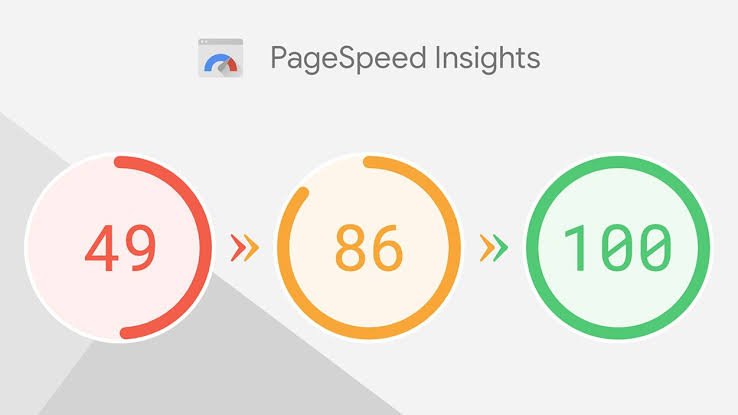
A single score does not explain every delay. We look at the page’s important content, the actions visitors need to take and the technical limits of your current platform before recommending work.
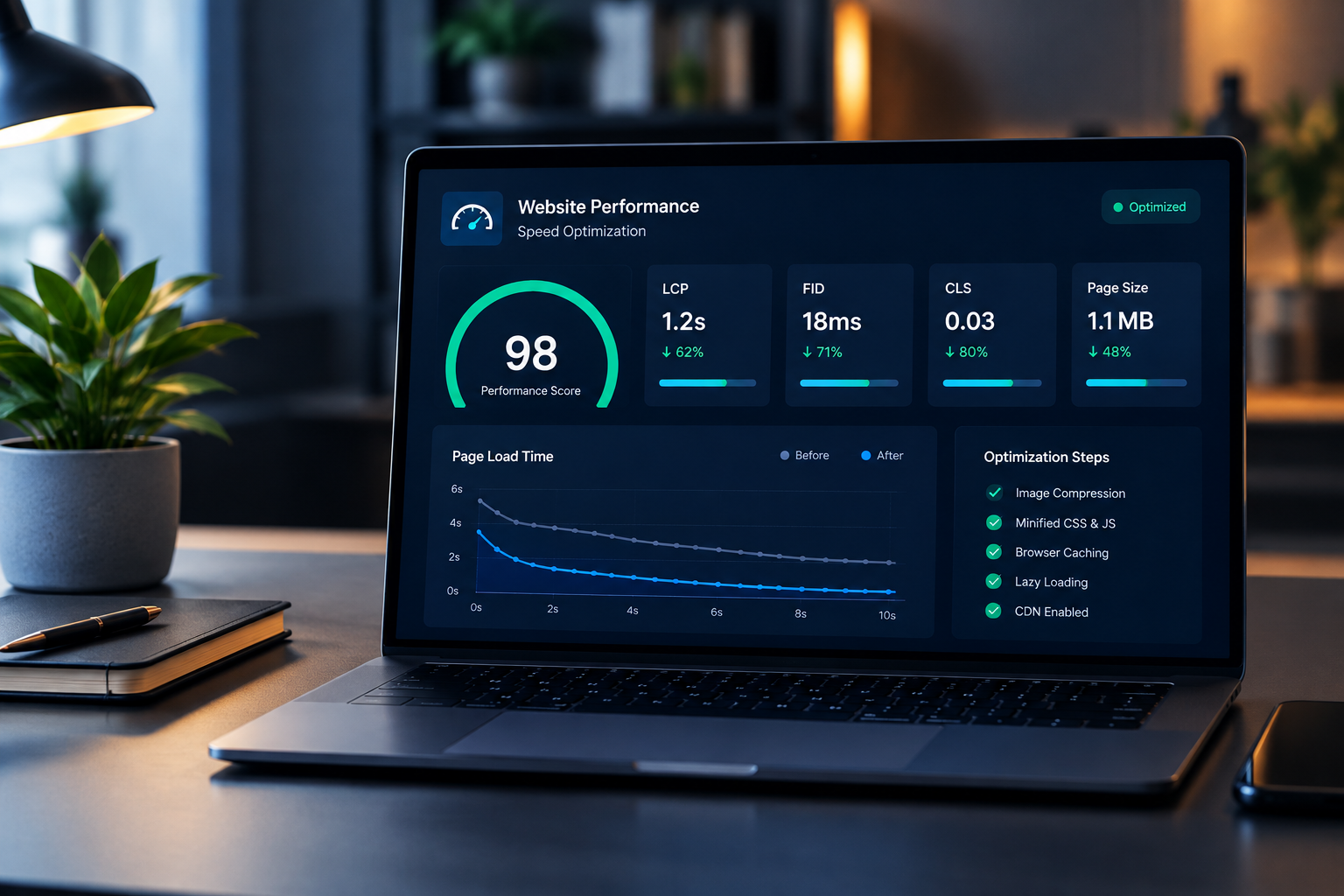
We review image dimensions, file weight and loading behaviour. Important above-the-fold content needs a different approach from images further down a long page. The goal is to reduce unnecessary downloads while keeping images clear and layouts stable.
We examine scripts and features that can delay loading or interactions. For WordPress and Elementor sites, we look for unnecessary assets, heavy widgets and plugin overlap. Features that support customer enquiries or purchases are checked before and after changes.
We review the available cache setup and identify where hosting or CDN configuration may affect delivery. Some improvements require hosting-level access; those are scoped separately when the platform or account permissions limit what can be changed.
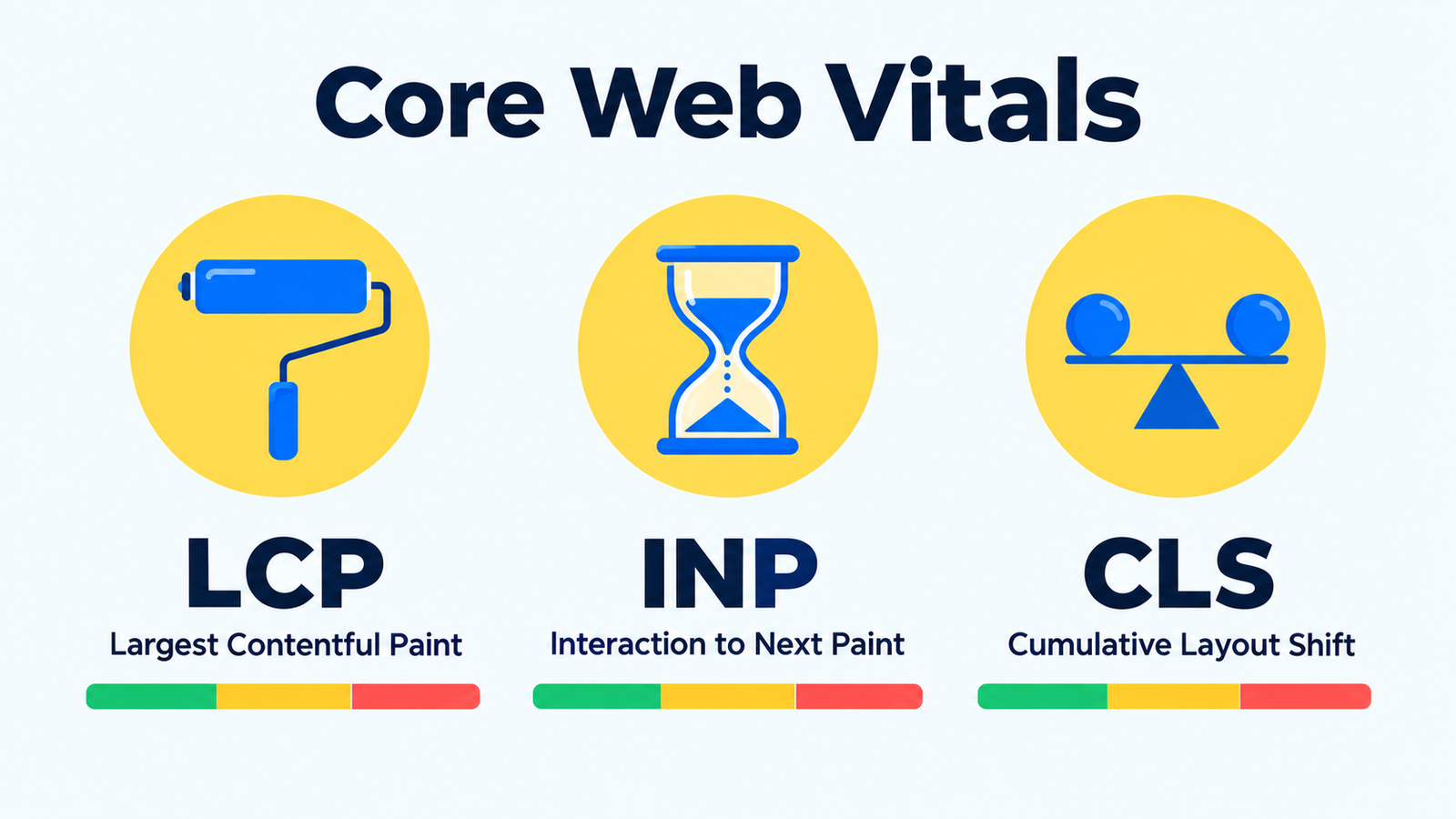
The investigation can include Largest Contentful Paint, Interaction to Next Paint and Cumulative Layout Shift. These describe different parts of the user experience, so we prioritize the metric and page behaviour that need attention instead of treating every warning as equally urgent.
New or low-traffic websites may not have enough public field data for a real-user assessment. In that situation, lab tests and hands-on checks provide a starting point, with their limitations recorded. Read our practical Core Web Vitals checklist for more context.
Confirm the platform, key pages, business functions and available access.
Record representative tests and identify likely causes.
Make agreed changes with a recoverable backup and a clear change log.
Repeat comparable checks and confirm forms, menus and other important features still behave as intended.
Explain the changes, measured results and any remaining hosting or third-party limits.
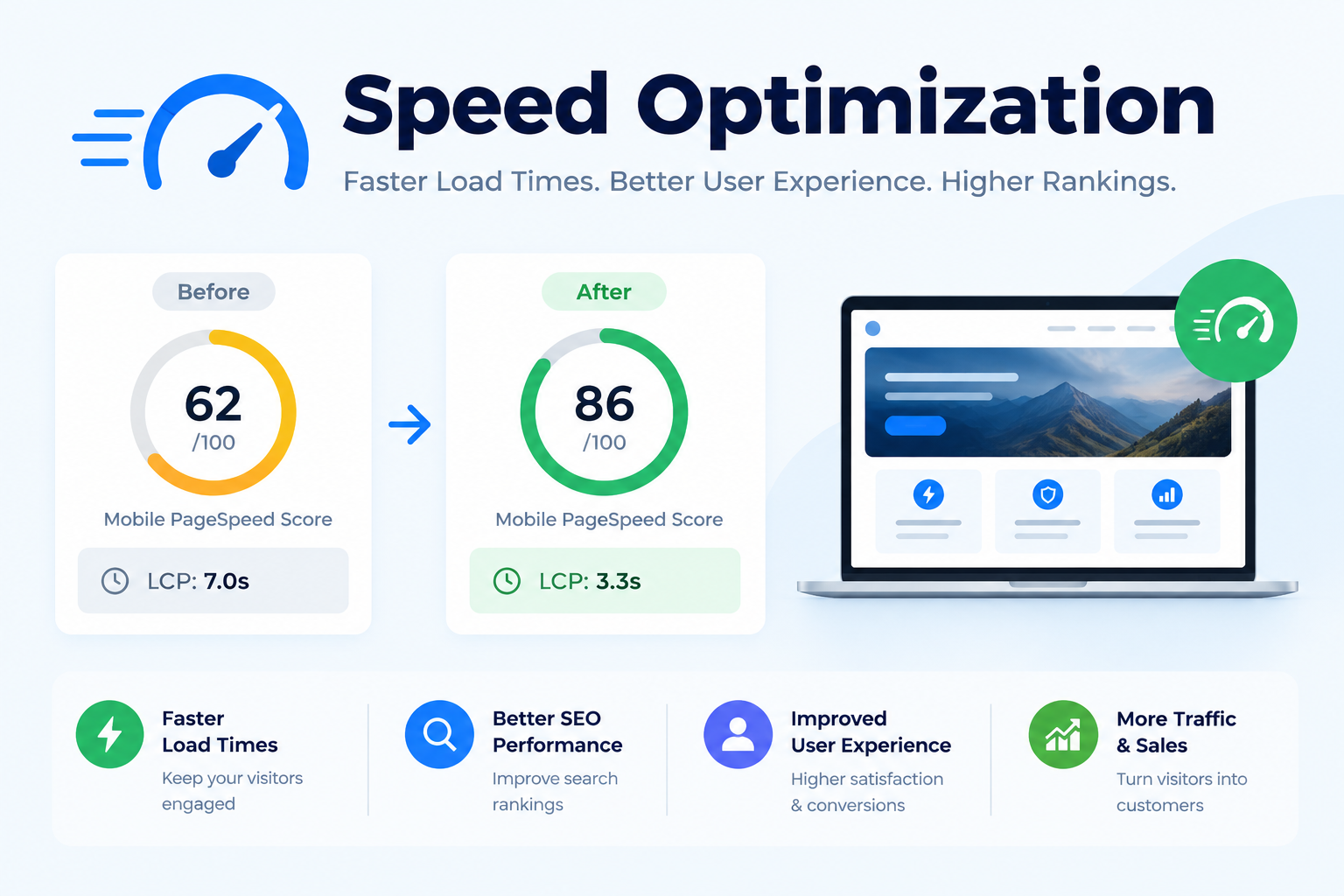
The scope depends on the website, hosting, third-party scripts and features that must remain. We do not promise a particular Lighthouse score, a fixed loading time for every visitor or a Google ranking position. The deliverable is a documented investigation, appropriate improvements and a clear account of what the checks show.
For a site that also needs content or structural work, explore our SEO services. Our website maintenance services can support ongoing care after the initial performance work.
Send your website URL, the pages that feel slow and the platform or hosting details you already know. Tell us which functions must be protected, such as bookings, enquiries or checkout. We will use that information to discuss a practical scope.
Start with the pages your customers actually use, rather than a single empty test page. Record the URL, device profile, test date and important interactions such as opening a menu or submitting a form. A third-party booking widget, large hero image and product gallery can create different kinds of delay, so recommendations should identify the specific cause and expected trade-off.
Speed optimization should compare consistent test conditions and check the customer journey after each change. Google”s Web Vitals documentation explains loading, responsiveness and visual stability. Our Core Web Vitals checklist provides a starting point for investigation. Use ongoing maintenance to keep later plugin, content and media changes under review. A faster test result is useful only when the website”s essential features still work.
A fast homepage does not tell you how a product page, article or booking form behaves. Start with the page that matters to the business and note the device, connection and test conditions. Compare results under similar conditions so a one-off score change does not get mistaken for a reliable improvement.
Speed optimization can affect scripts, images, fonts and caching, so test essential actions after each meaningful change. Send a form, use the navigation and check a representative checkout where relevant. Our website performance guides explain related checks; ongoing maintenance helps keep later updates under review. If there is no real-user field data, use lab tests to investigate the page while waiting for enough eligible traffic to produce a field report.